
Our Blog.
Linear vs ClickUp (2026): Which Work Management Platform Is Better for Product Teams?
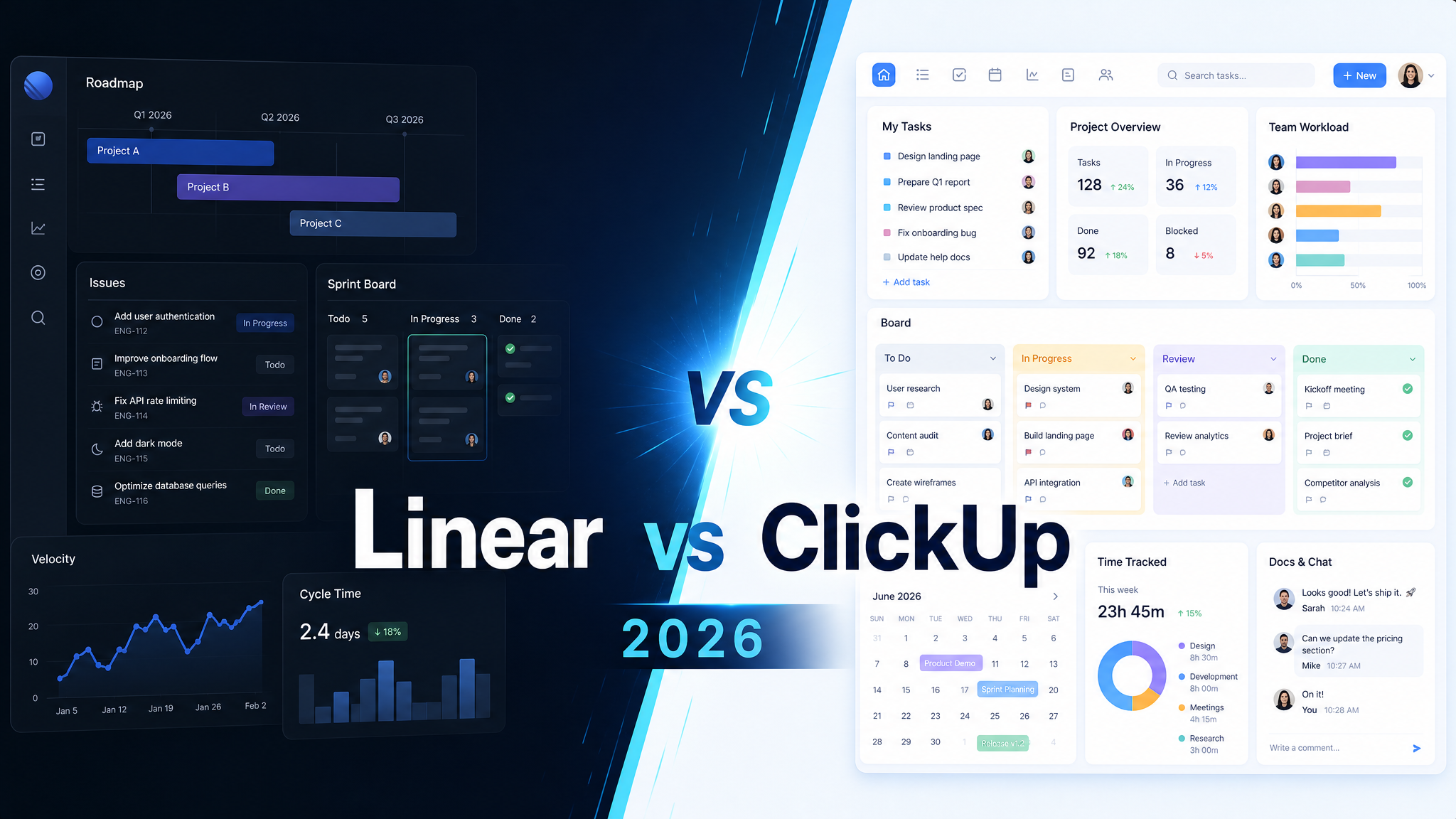
If you’re comparing Linear vs ClickUp in 2026, you’re usually deciding whether your team wants a fast, opinionated execution system built for product and engineering work or a broader all-in-one work management platform that can stretch across many departments.
Linear is usually the better fit for product, engineering, and startup teams that care about speed, focus, clean issue tracking, and low process drag. ClickUp is usually the better fit for cross-functional teams that want one platform for projects, docs, dashboards, automations, and broader business workflow management.
Here is the practical buyer’s comparison.
Quick Comparison Summary
| Feature | Linear | ClickUp |
|---|---|---|
| Best For | Product and engineering teams that want fast issue tracking with minimal clutter | Cross-functional teams that want an all-in-one work hub across departments |
| Core Strength | Speed, polish, developer-friendly workflows, and strong planning cadence | Breadth of features, views, docs, dashboards, and automation flexibility |
| Pricing Shape | Simple per-user pricing with a strong free tier and clear jumps by team maturity | Aggressive value pricing with low entry cost and deeper upsell into business features |
| Implementation Feel | Easy to adopt when the team already thinks in issues, cycles, and product delivery | Powerful but more configurable, which means more setup decisions and more room for sprawl |
| Best Buying Trigger | You want a cleaner, faster alternative to heavier engineering trackers | You want to consolidate multiple work tools into one platform |
Pricing Comparison
The pricing gap matters, but the bigger question is whether you are buying focused execution software or a broad work operating system.
| Tool | Current Pricing Snapshot |
|---|---|
| Linear | Linear Linear publicly lists a Free plan at $0, a Basic plan at $10 per user/month billed yearly, a Business plan at $16 per user/month billed yearly, and an Enterprise tier with custom pricing. That structure is simple and relatively easy to reason about. |
| ClickUp | ClickUp ClickUp publicly lists a Free Forever plan, an Unlimited plan at $7 per user/month billed yearly, a Business plan at $12 per user/month billed yearly, and custom enterprise pricing. On sticker price alone, ClickUp usually looks like the broader feature bargain. |
In practice, Linear is easier to justify when a product or engineering team will benefit from less friction and better focus. ClickUp is easier to justify when the company wants more surface area per dollar and expects multiple teams to live in the same platform.
Linear Overview
Linear has earned its reputation by being fast, opinionated, and unusually pleasant to use. It feels built by people who care about product development cadence: issues, cycles, projects, triage, and keyboard-first execution. That makes it especially attractive for software teams that want less overhead and fewer distractions.
The product’s real appeal is not feature sprawl. It is workflow discipline. Linear gives teams a clean place to plan work, move quickly, and maintain momentum without the interface becoming the main event.
The tradeoff is scope. If the organization wants one system for engineering, marketing, operations, docs, and executive reporting, Linear can feel narrow.
ClickUp Overview
ClickUp remains popular because it tries to be the work platform that does almost everything: tasks, docs, dashboards, whiteboards, forms, goals, time tracking, chat, automations, and AI add-ons. For many buyers, that breadth is the whole point.
That makes ClickUp compelling for companies that want to reduce tool sprawl or standardize across many teams with different needs. It can be shaped for marketing, operations, client work, PMO workflows, and more, not just software delivery.
The tradeoff is complexity. ClickUp can become noisy if the workspace is not governed well, and some teams end up paying for flexibility with slower adoption or more process clutter.
Head-to-Head: Key Differences
Speed and UX
Linear usually wins here. It is faster, cleaner, and more focused for teams that spend all day in issue tracking and planning workflows.
Breadth of Features
ClickUp usually wins here. It covers more workflow types, more views, and more non-engineering use cases inside one platform.
Engineering Fit
Linear usually has the stronger product-and-engineering fit because its operating model feels aligned with how many modern software teams actually work.
Cross-Functional Standardization
ClickUp usually has the stronger case when leadership wants one work platform across departments rather than a best-of-breed tool just for product teams.
Best Buyer Profile
If the buyer wants a sharper tool for product delivery and engineering execution, Linear is usually the better choice. If the buyer wants maximum flexibility and more features for the money, ClickUp is usually the better choice.
Who Should Choose Linear?
Choose Linear if: your core users are product managers, engineers, and startup operators who want focused execution, fast triage, and less software bloat.
Who Should Choose ClickUp?
Choose ClickUp if: you want one platform that can stretch across many teams, give you lots of workflow options, and replace a stack of adjacent work tools.
The Verdict
For most product and engineering teams in 2026, Linear is the better choice because it is faster, cleaner, and better aligned with focused software delivery. ClickUp is the better choice when the organization wants broader work management coverage and more features per dollar across multiple departments. Linear wins on focus and execution quality. ClickUp wins on breadth and consolidation value.
Ready to Choose?
Try Linear → | Try ClickUp →
DrComps may earn a commission through affiliate links at no extra cost to you.
Try Linear → | Try ClickUp →
DrComps may earn a commission through affiliate links at no extra cost to you.
Comments (0)